Adult Coed 11v11 Outdoor Soccer Leagues
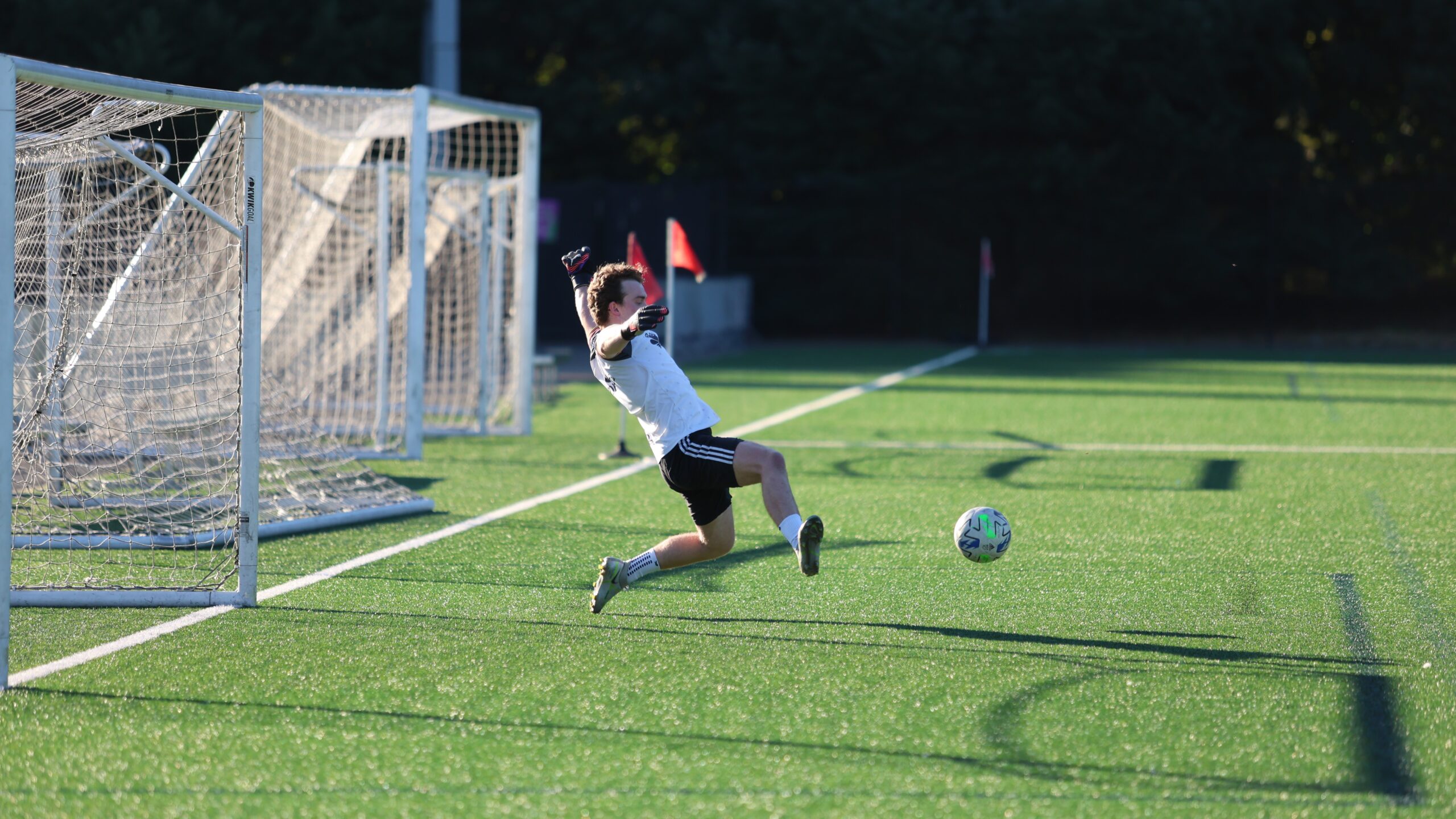
Coed 11v11 Outdoor Adult Soccer Leagues
Whether you’re interested in some tough competition or just looking to have fun and knock the ball around, you’ll find the outdoor adult soccer league that’s right for you at Starfire Sports. Register for the next session or view details below.
As a 501(c)(3) nonprofit, your league participation directly supports our financial aid programs, ensuring every child has the opportunity to play soccer at Starfire.
Winter 2027 Coed Outdoor Details
| Sunday | Thursday | |
|---|---|---|
| Available Divisions | Coed D | Coed D |
| Coed C | Coed B | |
| Season Begins | 1/10 | 1/14 |
| Number of Games | 8 | 8 |
| Team Fee* | $1400 | $1400 |
*Non-refundable deposit included in team fee
League Details
- All team fees must be paid in full by your second game with half due prior to your first game.
- Starfire league membership or season player pass is required to be on a roster.
- Games consist of two 40 minute halves.
- Game start times are 6pm-9:30pm on Sundays and 6:30-9:30pm on Thursdays.
- Rosters are unlimited, but only 18 players may be present at one game. Players are not permitted to play on more than one team in the same division.
- Three (3) women must be on the field at the same time (game can start with 2, but the team cannot play with more than seven male players on the field at any time); Goalkeeper gender does not count towards total females on the field.
- No slide-tackling permitted.
- First game schedule will be posted online one week prior to start date.
- Rosters must be finalized by the 5th week for 8 week league and 7th week for 10 week league.
Refer a team and receive $150 off your team fee. Learn more here.
Currently playing in another league, but thinking of bringing your team to Starfire?
Let us cover the cost of your membership* dues to make that decision a little easier. Just Show us your current league membership or player card, and we will give you and your teammates up to one year of Starfire membership free when you sign up a team!**
*Offer valid if memberships are required for league participation.
**The fine print: The remaining length of your current membership will be doubled (up to 1 year). To take advantage of this offer, a minimum of one year must have passed since a previous Starfire membership expired and it must be a new team at Starfire. If less than six months are left on your membership you will receive a free seasonal player pass.
Coed B
Coed B is the most competitive level of play. Teams feature players with college and competitive youth club level soccer experience.
Coed C
Coed C is a moderately recreational level of play. Teams feature players with high school, college and youth club level soccer experience.
Coed D
Coed D is the most recreational coed league at Starfire. Participants are usually beginners or casual soccer players that play for fun or are trying to get back into the sport.
- To view your schedule and game results, log in to our registration site
- On the left-hand side, click the “Team” button under the appropriate team
- Click “Schedules” at the top of the new page
- Not seeing your team? Make sure you have joined your team’s roster
Below is a guided step by step process on how to register your team in a Starfire Sports Adult Soccer League. If you have any questions about your registration or the leagues that are not answered on our website, please send us an email.
How to Register
- Click here to log in. Having trouble logging in? Make sure to use the email address on file with Starfire Sports. Only use one email address. Still having trouble? Try resetting your password.
- New to Starfire? Click here and follow the prompts to create your account.
- After logging in, you may register a team or join an existing team by clicking “Register Here” on the left-hand side of the screen and following the directions below.
Register a New or Past Team
- Pick which category you are playing in from the drop down menu.
- On the next screen, Click “Team Fee”.
- Pick which division you want to play in.
- Pick your profile, agree to the waiver, and add a membership or player pass to your cart if necessary.
- Pay the team deposit or full price as you complete check out.
- Remember: All players on the roster must have a current Starfire Membership or Seasonal Player Pass
- Once your team has been formed, you or other players can make online payments toward the team fee.
Invite Players to your Team
- Once logged in, go to the “My Teams” tab and select your team.
- Either click “Copy Invite Link” or “Share Invite”.
- Send to all your teammates!
- All players on the roster should purchase a current Starfire Membership or Seasonal Player Pass.
- Once on your team(s), players can make payments online toward team fees.
Don’t have a team? Add yourself to our Free Agent list.
Make a Payment
-
Sign into your Bond account.
-
Go to the “Purchase History” tab.
-
Click on “View Invoice” for the invoice you want paid.
-
Click “Pay”.
-
Choose the amount you want to pay on this transaction.
-
Pick your payment method and add the information.
- Click “Pay” and you’re done!
Share the Invoice with your Team
-
Sign into your Bond account.
-
Go to the “Purchase History” tab.
-
Click on “View Invoice” for the invoice you want paid.
-
Click “Copy Link”.
- Send to all your teammates!